



Most businesses aren't struggling with their WFM tool. They're struggling with everything around it.
We get a lot of businesses calling us with the same problem.
Their WFM tool isn't working. Rosters are wrong. Pay runs are stressful. Managers are keeping their own spreadsheets because they don't trust the system. Someone in finance is manually cross-checking timesheets every fortnight.
The instinct, and often the recommendation they've already received is to switch platforms. Move to something newer, something better, something that will finally fix it.
We've seen this cycle play out more times than we can count. And almost every time, the platform isn't the problem.
The real gap isn't in the software
Workforce management tools are genuinely good now. The major platforms handle scheduling, time and attendance, award interpretation, and payroll integration better than they ever have. The technology has largely caught up with what businesses need.
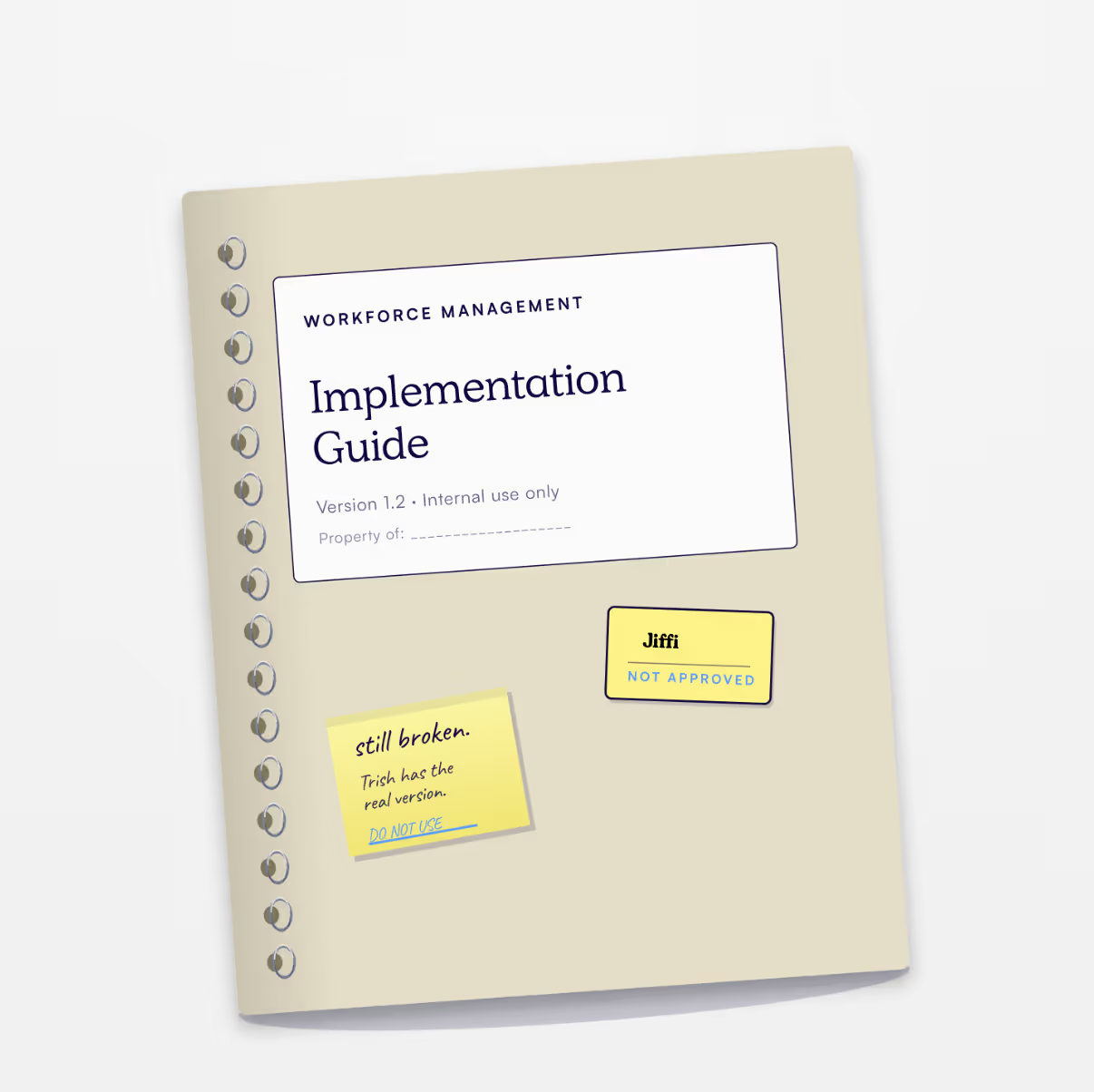
What hasn't caught up is everything around it. The workflows, the ownership, the configuration decisions made during implementation that nobody documented, and the habits that quietly formed to work around the parts that were never set up properly.
By the time a business calls us, they've usually been running workarounds for so long that nobody remembers why they started.
What broken actually looks like
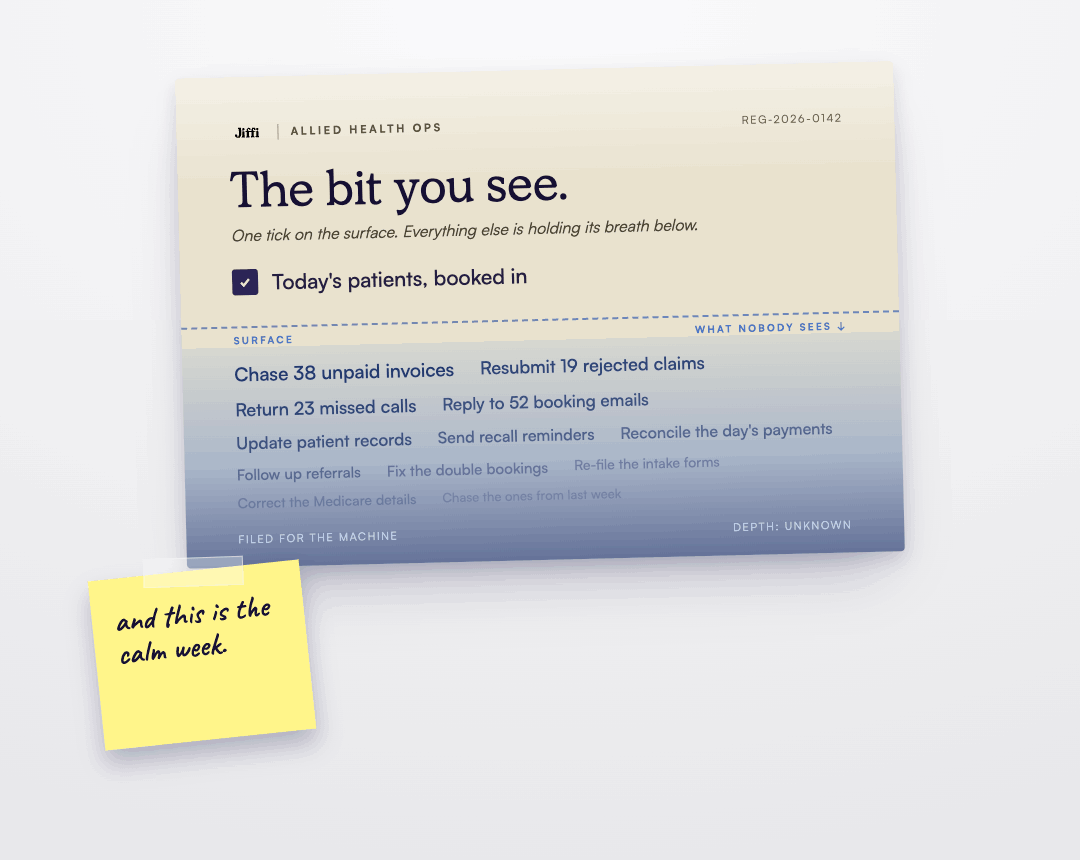
It rarely looks catastrophic from the outside. More often it looks like this:
Managers are building rosters in the tool but copying them into a group chat because staff don't check the app. Timesheets are being approved without review because rejecting them causes more problems than it solves. Award interpretation is set up the way it was explained during the original implementation, but nobody's checked whether it's still correct after an EBA update. Payroll is mostly right, most of the time, and that "mostly" is costing the business hours every pay cycle to reconcile.
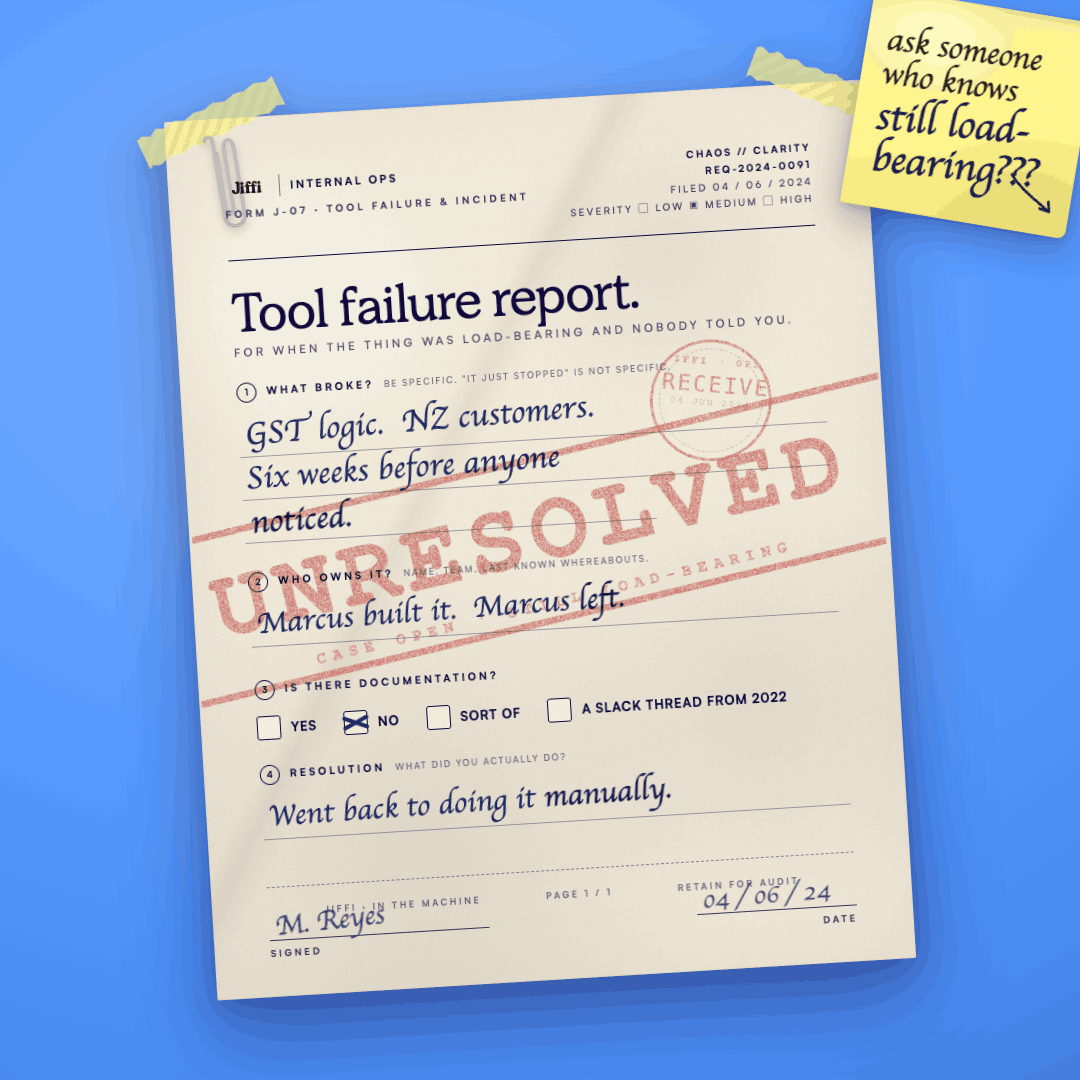
None of these are software failures. They're workflow failures. And a new platform won't fix them, because they'll follow the business across to whatever comes next.
What we do instead
When Jiffi comes into a WFM engagement, we don't start with the tool. We start with the workflow.
That means understanding how time and attendance (T&A) is really managed end to end . It means tracing a timesheet from schedule, to timesheet to payroll and finding every point where a human intervenes because the system can't be trusted. It means sitting with the people who use the platform every day and asking the question nobody else has asked: what's the bit you've stopped trying to fix?
From there, we work backwards. We look at configuration, whether awards are interpreted correctly, whether penalty rates and allowances are set up to reflect the actual EBA, whether the approval workflow matches how the business actually operates. We look at data quality, whether employee records are clean, whether cost centres are mapped correctly, whether historical decisions have created downstream problems nobody's noticed yet.
Then we fix it. Not always with a new system, sometimes with the one they have.
When you do need to switch platforms
Sometimes the answer is migration. If a business has genuinely outgrown its current tool, if the platform can't handle the complexity of their awards, or their workforce size, or their integration requirements, then moving makes sense.
But that decision should come after a clear-eyed assessment of what's actually broken, not as a default response to frustration. A migration carrying over a broken workflow is just an expensive way to arrive at the same problem in a newer interface.
If you're going to move platforms, move with clean data, documented processes, and a configuration that reflects how your business actually operates. That's the work that makes a migration stick.
The brief before the build
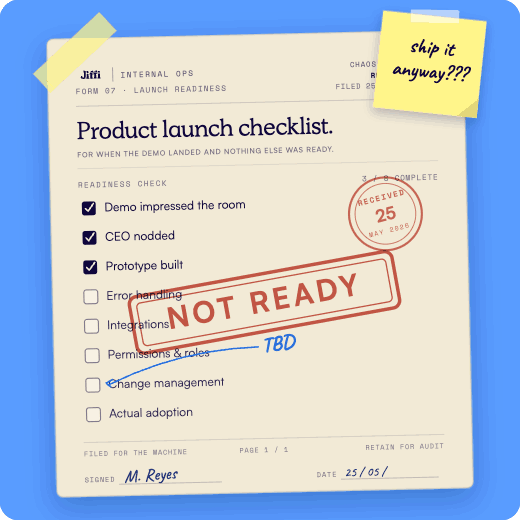
The question we always ask before any WFM engagement is simple: what does the ideal state actually look like for your business?
Not what the platform promises, not what the vendor demonstrated, what does a working Monday morning look like? Who owns the roster? Who approves timesheets, and by when? What happens when someone calls in sick at 6am?
When you can answer those questions clearly, the tool becomes straightforward. When you can't, no tool will save you.
That's the gap nobody talks about. And it's the one worth fixing first.





.avif)