


Summary
Learn the four reasons AI-built internal tools quietly fail inside real businesses, and the questions to ask before any tool goes into production.
Vibe coding built it. Now what?


There's a founder I spoke to recently who built an internal quoting tool in a weekend. Cursor, a bit of prompting, some back and forth. Genuinely impressive. It pulled data from their CRM, formatted proposals automatically, and saved their sales team about two hours a day.
Three months later, nobody was using it.
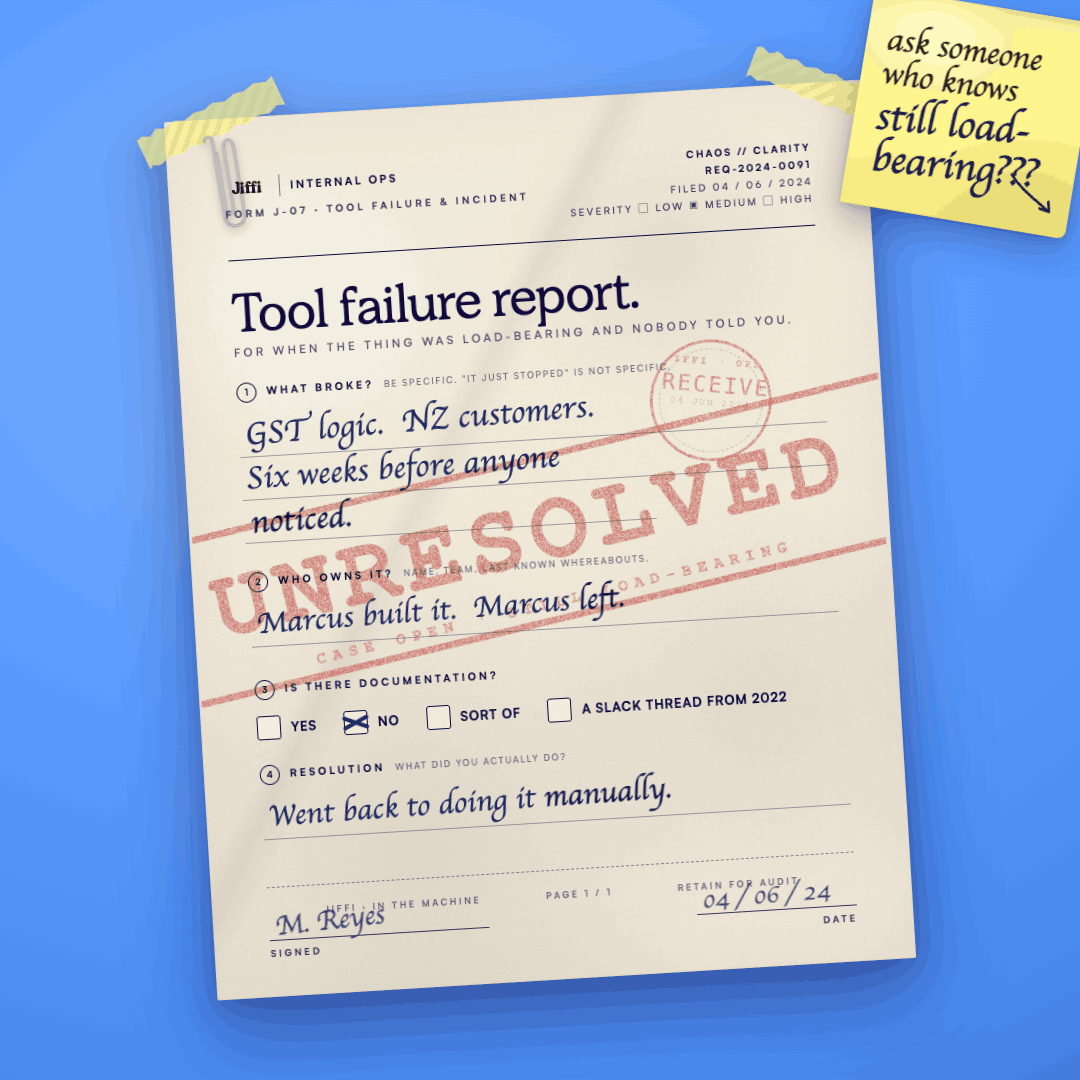
Not because it stopped working. Because it worked well enough, until it didn't. A field got renamed in the CRM. A new product category was added. The logic that handled GST broke when they started selling to New Zealand customers. Small things, one by one, until the team quietly went back to doing it manually. And the founder, who had moved on to the next problem, had no idea it had happened.
This is the vibe coding hangover. And right now, it's sitting inside a lot of Australian businesses.
What vibe coding actually changed
The ability to build internal tools with AI is genuinely one of the most useful things to happen to small and medium businesses in years. Things that used to cost $40,000+ and a six-month development cycle can now be prototyped in a day. That's real. That matters.
But the conversation has gotten stuck on the build side. Every article, every LinkedIn post, every conference talk is about how fast you can go from idea to working demo. Almost nobody is writing about what comes after.
After is where most things die.
The four things that break
In our experience sitting inside businesses post-build, the same four problems come up every time.
- The first is maintenance. AI-assisted code is often brilliant and completely undocumented. The person who built it understood it in the moment. Six weeks later, when something breaks, nobody can find the logic, trace the error, or make a safe change without risking breaking something else. You don't need to have a large engineering team for this to matter. You just need the tool to keep working.
- The second is data integrity. Most internal tools built quickly are pulling from whatever data exists right now. Nobody asks what happens when that data changes shape. A column gets added to a spreadsheet. A field gets updated in the CRM. An integration shift. The tool doesn't fail loudly, it just starts producing wrong outputs quietly. And because everyone trusts it, nobody notices for a while.
- The third is staff adoption. A tool built by one person, for their own workflow, rarely survives contact with the rest of the team. The edge cases that person handles naturally, because they know the business, become dead ends for everyone else. There's no onboarding. There's no error handling that makes sense to a non-technical user. There's no clear answer to "what do I do when this doesn't work.
- The fourth is ownership. Who is responsible for this thing? In most businesses that have vibe-coded their way to an internal tool, the honest answer is: the person who built it, informally, alongside their actual job. That's fine until they leave. Or get busy. Or the tool becomes load-bearing for a process that the business can't afford to have go down.
The question to ask before you ship
None of this means you shouldn't build. It means you should build with eyes open about what you're creating.
Before any internal tool goes into production, there are three questions worth answering honestly.
- What breaks this, and who fixes it when it does? Not "this seems stable”, what are the actual failure modes, and is there a person with the knowledge and the time to address them?
- What data does this depend on, and how stable is that data? If the answer involves a spreadsheet that multiple people edit, or a field in a system that gets updated without a change process, you have a fragility problem that will eventually surface.
- What does a new team member need to know to use this safely? If the answer is "they'd need to ask [name of person who built it]," you've built a dependency, not a system.
When a prototype becomes infrastructure
The real danger isn't the tools that obviously fail. It's the tools that work well enough that they become part of how the business operates, and then fail at the worst possible moment.
A quoting tool that's used for two or three jobs a week is a nice-to-have. A quoting tool that's used on forty jobs a week is infrastructure. The difference is rarely planned. It just happens, because the tool was useful, people relied on it more, and nobody stopped to ask whether the thing they were relying on was actually built to carry that weight.
We've walked into businesses where a critical operational workflow was running on a Google Apps Script that one person wrote eighteen months ago, on a Friday afternoon, and hadn't touched since. It worked. Until it didn't. And when it didn't, nobody in the business could fix it.
What good looks like
Building fast is genuinely an advantage. The question is whether you build fast and fragile, or build fast and then do the unglamorous work of making it stick.
Good looks like documentation that a non-technical team member can follow. It looks like error handling that tells someone what went wrong in plain language, not a stack trace. It looks like someone who owns the tool and has the context to maintain it. It looks like a change process, even a lightweight one, so that when the underlying data or systems shift, the tool shifts with them.
None of this requires a development team. It requires deliberate thinking about what you've built, how it connects to your operations, and what the plan is when something goes wrong.
The build is the exciting part. The part that follows is what determines whether any of it was worth doing.
If you've got tools built fast that you're not sure you can trust, or you want to build something properly from the start, that's exactly the kind of work we do at Jiffi. Try Jiffi AI or book a call with the team.
Latest articles

 Published Jul 14, 2026
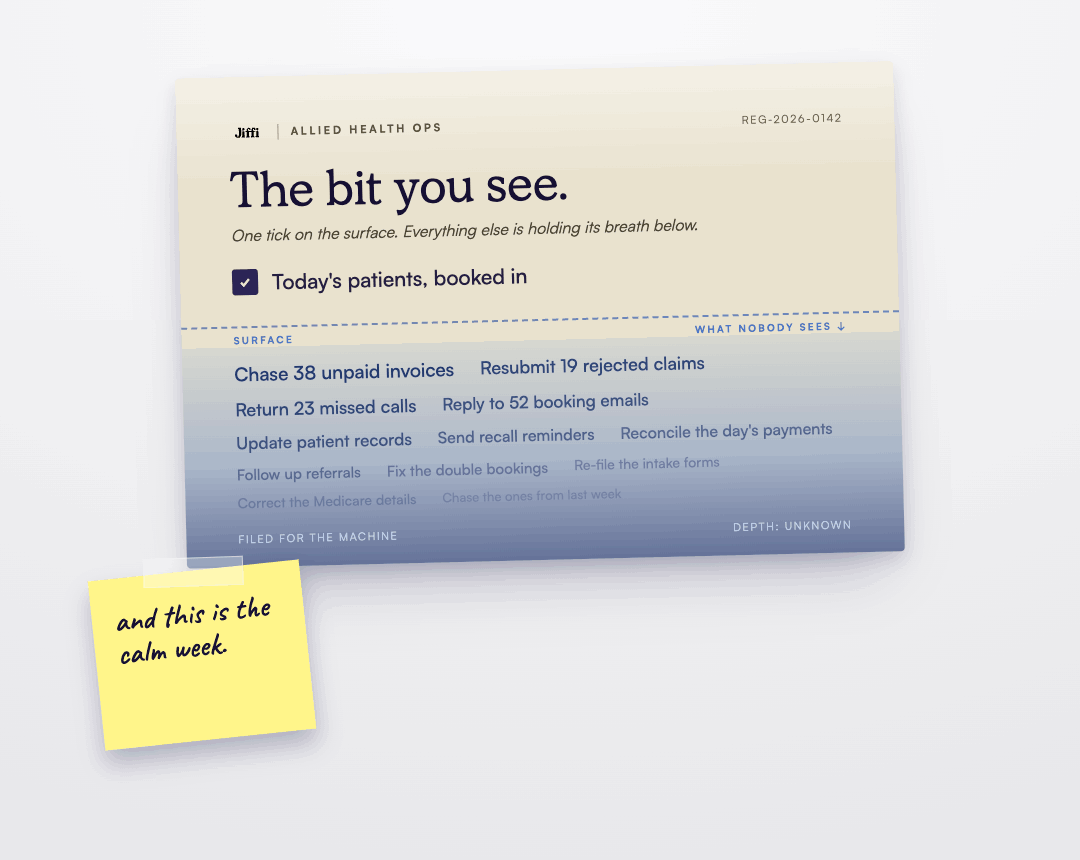
The hidden cost of manual admin in allied health businesses




 Published May 4, 2026
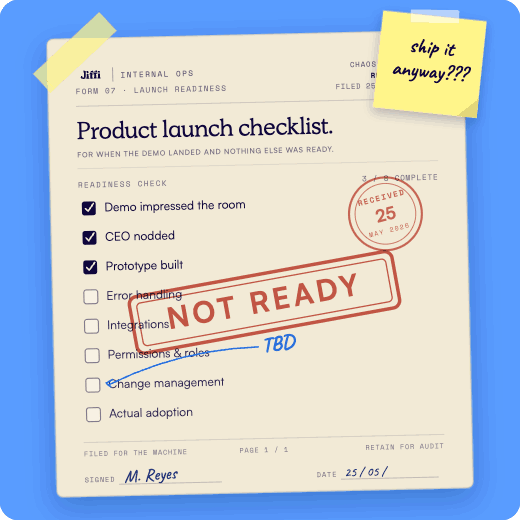
The AI-to-ops gap: why most businesses are stuck, and what actually fixes it